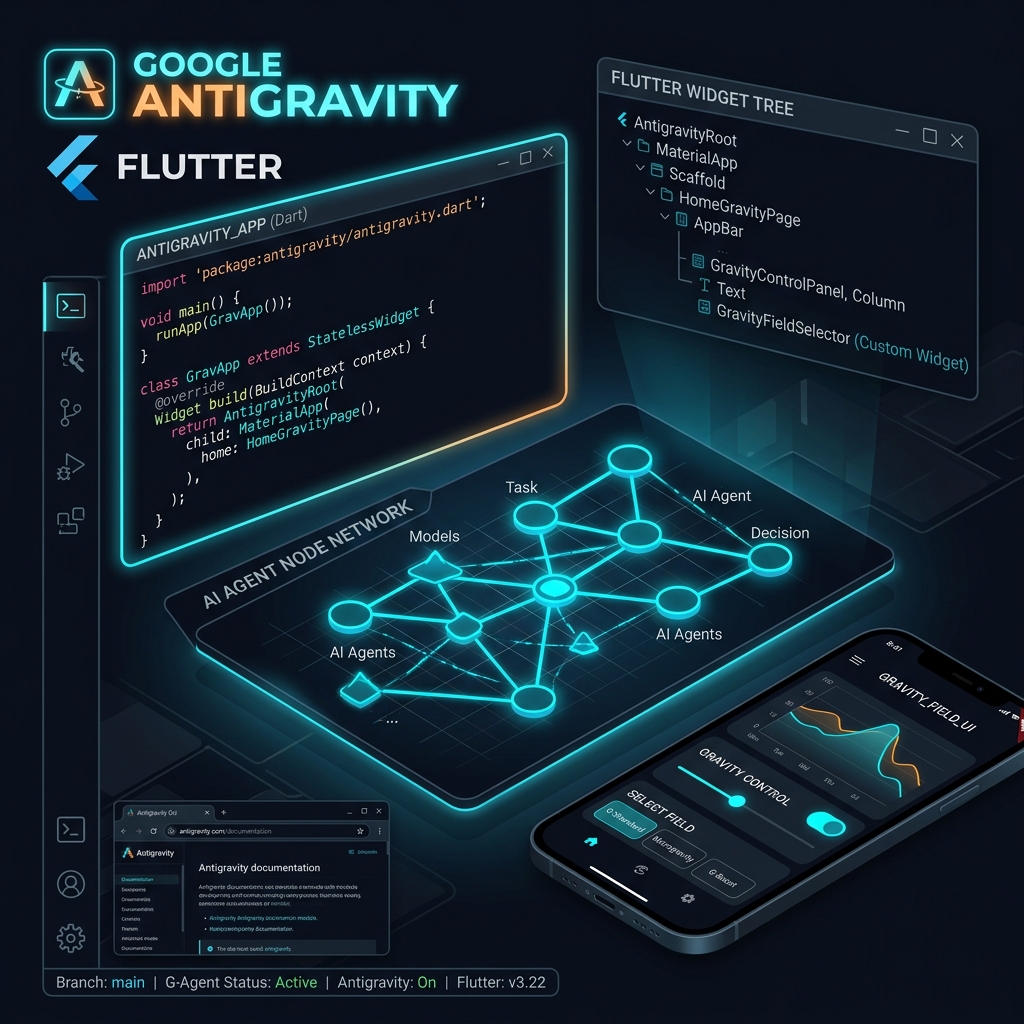
Google Antigravity provides an agentic development environment where autonomous AI agents use MCP tools, shell execution, and workspace awareness to build and debug Flutter apps. Developers manage tasks via natural language instructions while retaining full control over commit reviews and code verification.
- Multi-agent coordination enables parallel feature exploration and refactoring.
- MCP tool servers connect Flutter CLI, emulator, and Firebase directly to agent context.
- Human-in-the-loop validation ensures deterministic, production-grade code output.
Announced at Google I/O 2026 alongside Flutter 3.44, Google Antigravity represents a fundamental shift from reactive AI code completion to true agentic software engineering. Rather than simply suggesting inline snippets, Antigravity acts as an autonomous pair programmer capable of planning multi-step implementations, executing shell commands, managing workspace state, and verifying code correctness through automated test runs.
For Flutter developers, Antigravity introduces an unprecedented workflow for building cross-platform mobile apps. In this comprehensive guide, we will explore how Google Antigravity works, how to configure your workspace for optimal agentic output, and how to harness agentic loops for Flutter app development.
What Makes Google Antigravity Different?
Traditional AI tools operate strictly within an inline context window—they react to your cursor position or basic chat prompts. Antigravity operates on an autonomous agent loop powered by high-capacity reasoning models:
- Proactive Workspace Editing: Edits multiple non-contiguous files across your
lib/,android/, andios/directories simultaneously. - Terminal & Command Execution: Runs
flutter pub get,flutter test,flutter build apk, and custom zsh scripts to diagnose build errors independently. - Self-Correction via Test Verification: Executes unit and widget tests after writing code. If a test fails, Antigravity inspects the stack trace and patches the implementation automatically without user intervention.
- Structured Artifact Planning: Generates markdown implementation plans and technical walkthroughs for architectural review.
The Antigravity Developer Workflow for Flutter
The standard workflow with Google Antigravity follows a structured four-phase lifecycle:
User Prompt ➔ Agentic Planning & Inspection ➔ File Editing & Generation ➔ Automated Test VerificationPhase 1: Project Setup & Custom Instructions
Before launching agent tasks, place an AGENTS.md file in your project root. This file serves as standing instructions for Antigravity, defining your state management preferences (e.g. Riverpod vs BLoC), directory structures, and code conventions.
Phase 2: Task Formulation
Pass high-level engineering directives directly to Antigravity. For instance:
"Add offline caching to the Products feature using Isar database, implement a clean repository interface, and update Riverpod providers."Phase 3: Autonomous Execution
Antigravity inspects your existing codebase, creates data models, implements data sources, updates UI consumer widgets, and handles dependency injection automatically.
Phase 4: Automated Verification
Antigravity executes flutter test in the background. If any assertion fails, it adjusts the code logic and re-runs the tests until green.
Best Practices for Antigravity in Flutter Projects
- Keep your
AGENTS.mdfile concise and updated with architectural rules. - Review generated implementation plans before approving broad refactoring tasks.
- Ensure your workspace has unit tests set up so Antigravity can self-verify changes.
Need Expert Agentic AI Integration?
Afaq Zahir is a Lead Flutter Developer helping engineering teams adopt Google Antigravity and agentic workflows. Reach out via Afaq's Developer Hub for consulting and custom mobile engineering.

Afaq is a mobile product engineer with 4+ years of experience shipping production Flutter applications, 120fps graphics architectures, and AI model integrations across iOS and Android.
Mobile AI & LLM Integration →
Modern AI-assisted engineering workflows for mobile apps.
TourVista - Agentic Flutter Engineering →
Explore real production architecture and benchmarked results for this stack.